Home Assistant
Dashboards and automations for our house, run locally
Project Overview
Home Assistant runs our house: climate, lighting, cameras, the Tesla, and a view of our budget. It runs on a Home Assistant Green with backups on TrueNAS. I've built custom dashboards, 50+ automations, and 20+ integrations, including Bitcoin prices, NAS monitoring, and Frigate for the security cameras.
The Journey
Background
I started this in August 2024 with no programming experience. It began as a new hobby and a way off third-party cloud services, and it ended up replacing several apps.
From NAS to Home Assistant Green
I first ran Home Assistant Core on a Synology NAS (version 2023.7.3) and kept running into things only Home Assistant OS supports. After a lot of Reddit threads and asking ChatGPT for workarounds, I bought a Home Assistant Green ($99, no subscription).
System Statistics
Dashboard 1: Main Control Center
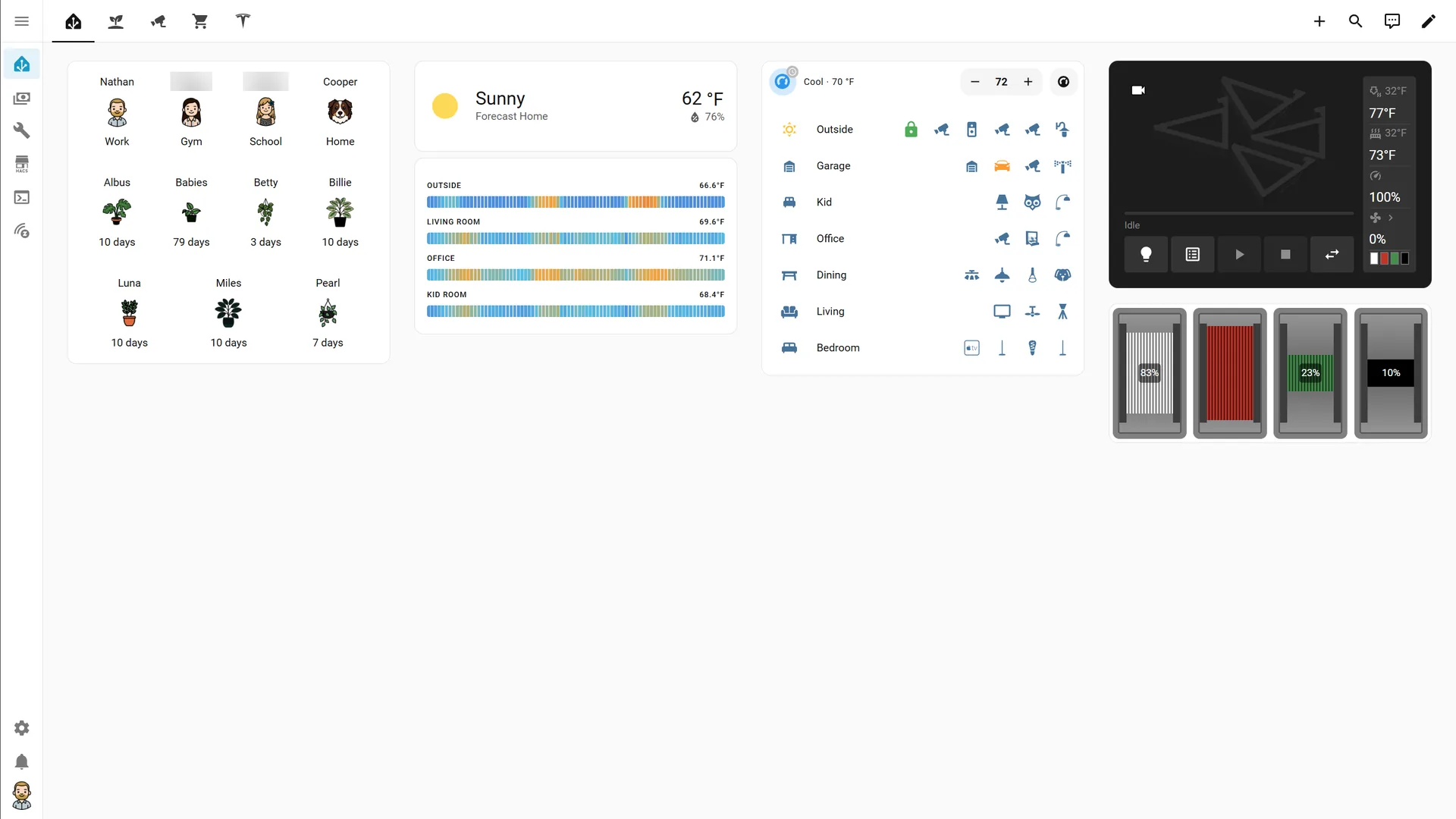
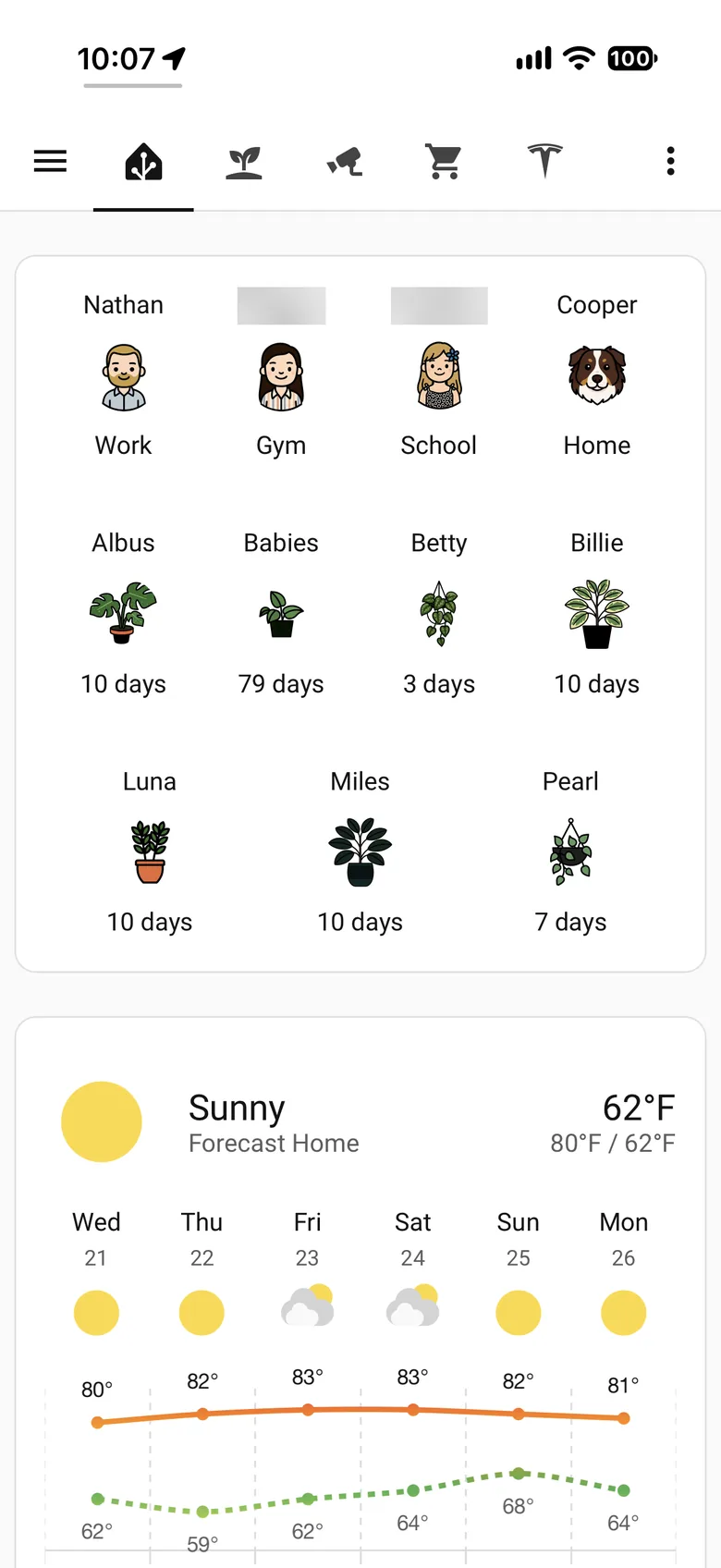
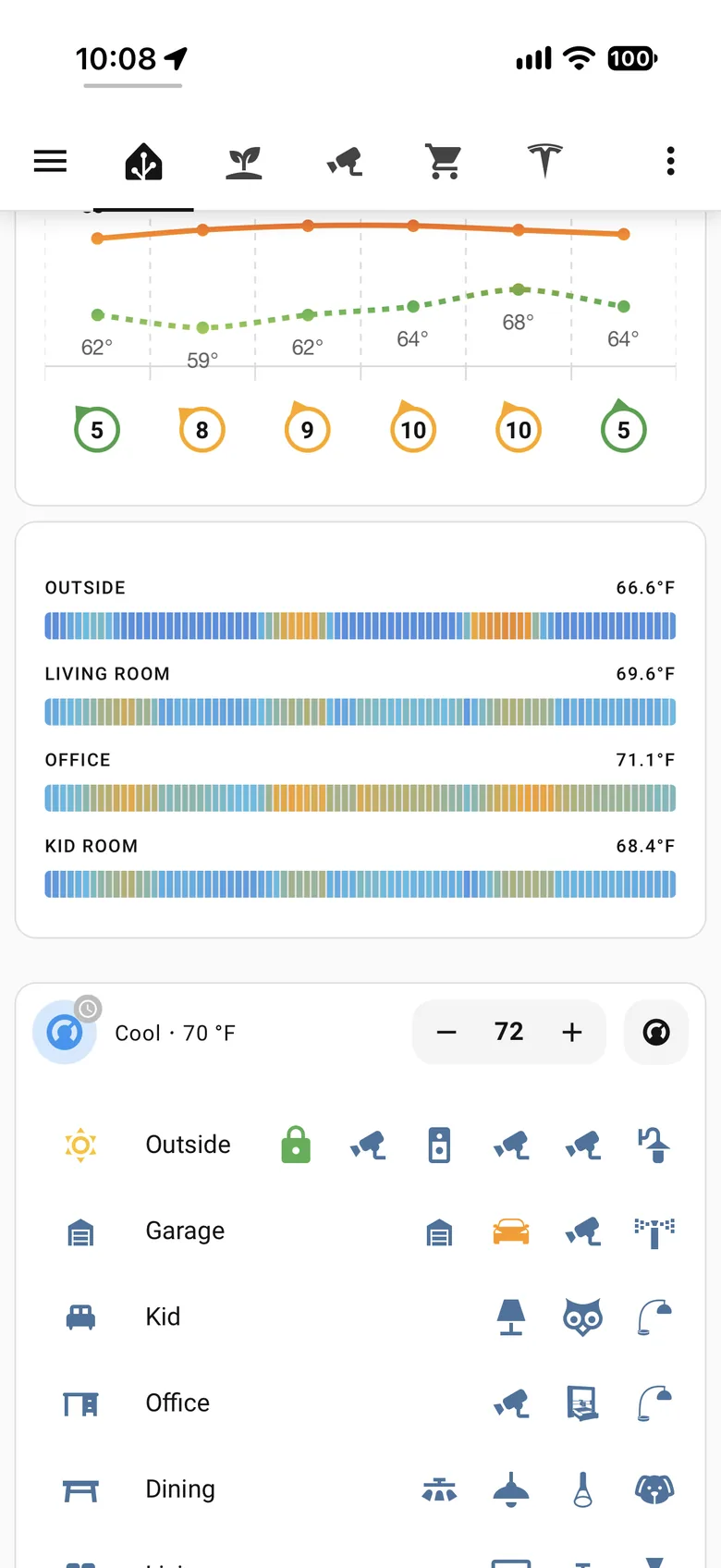
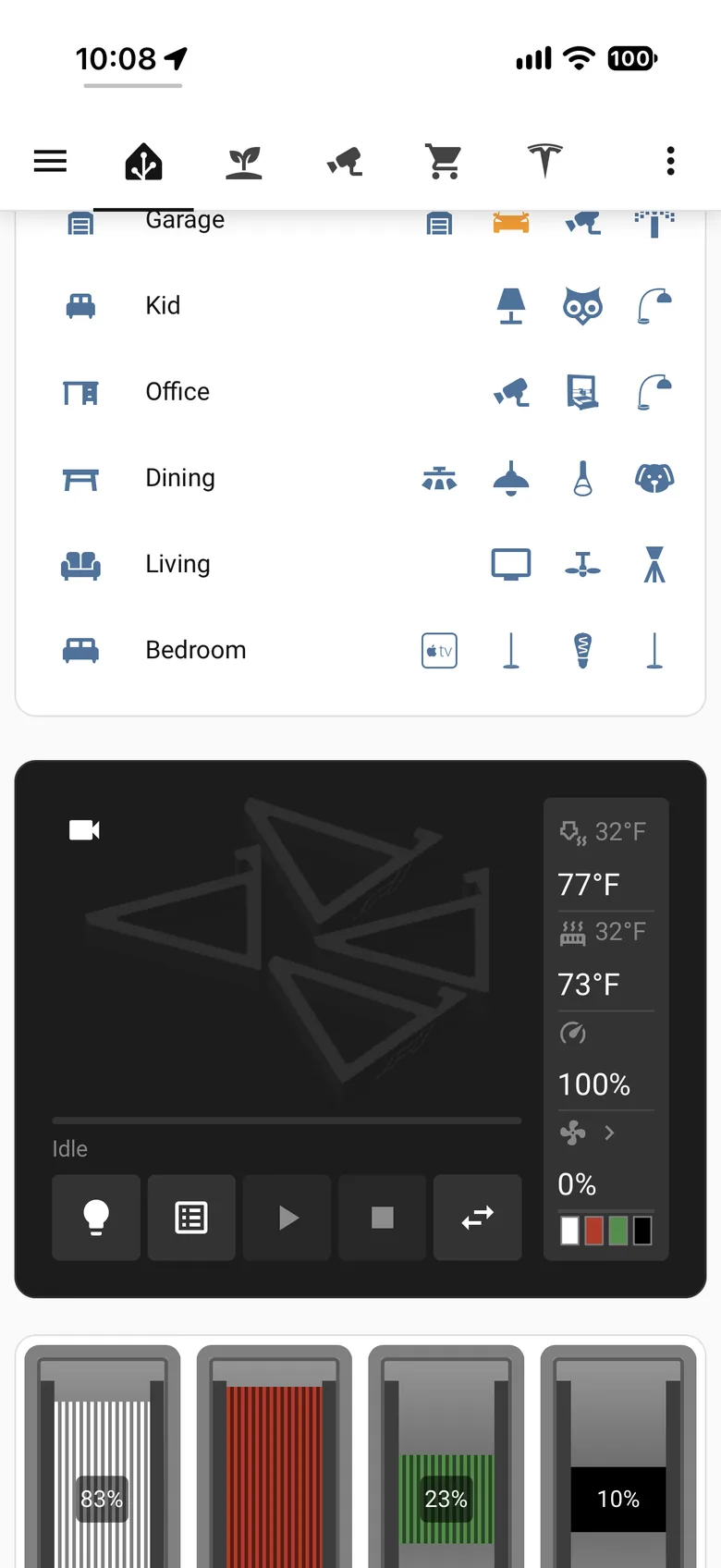
One screen for who's home, plant watering, the weather, temperatures in each room, the thermostat, every room's lights and devices, and the 3D printer with its filament levels.
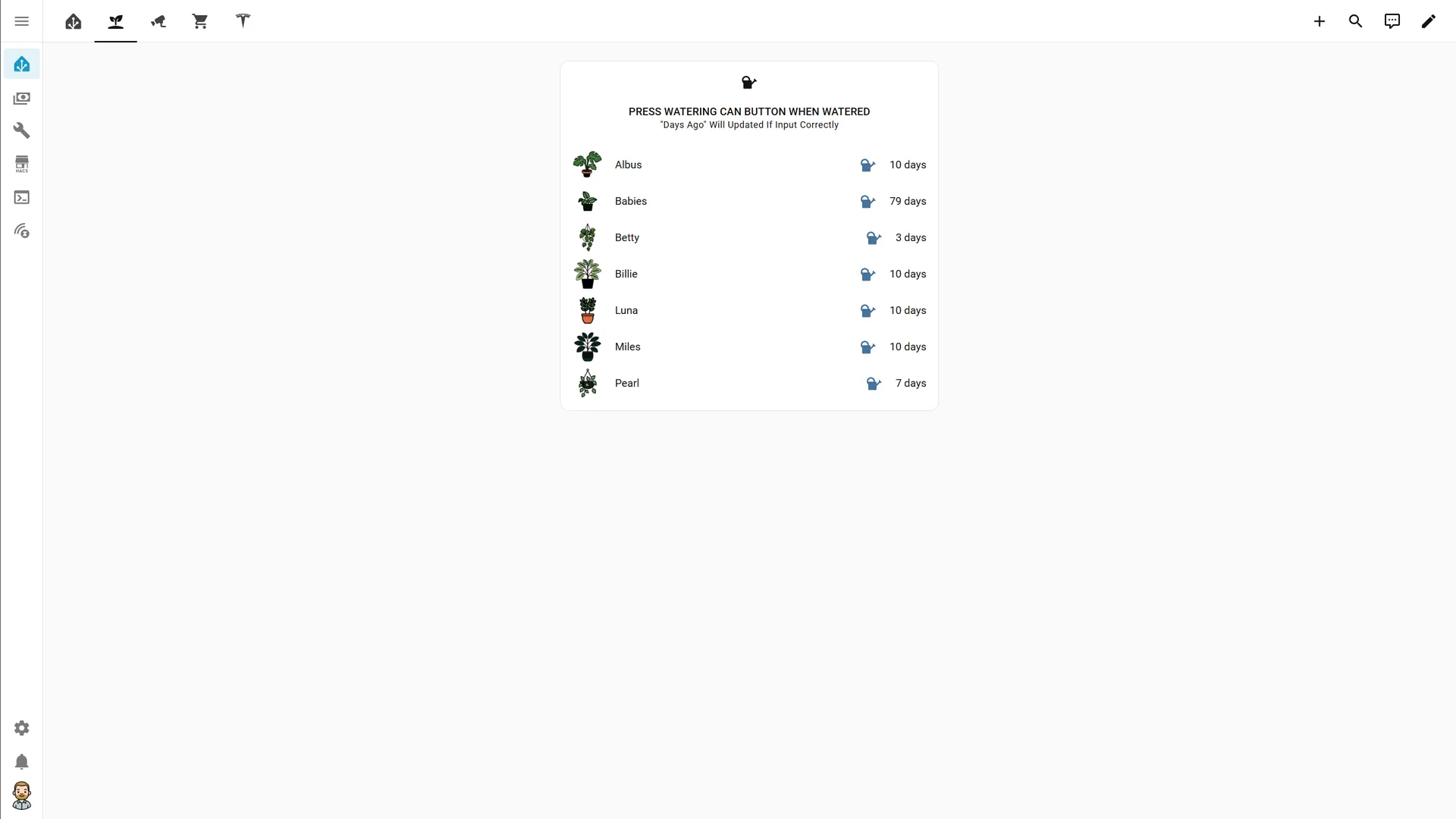
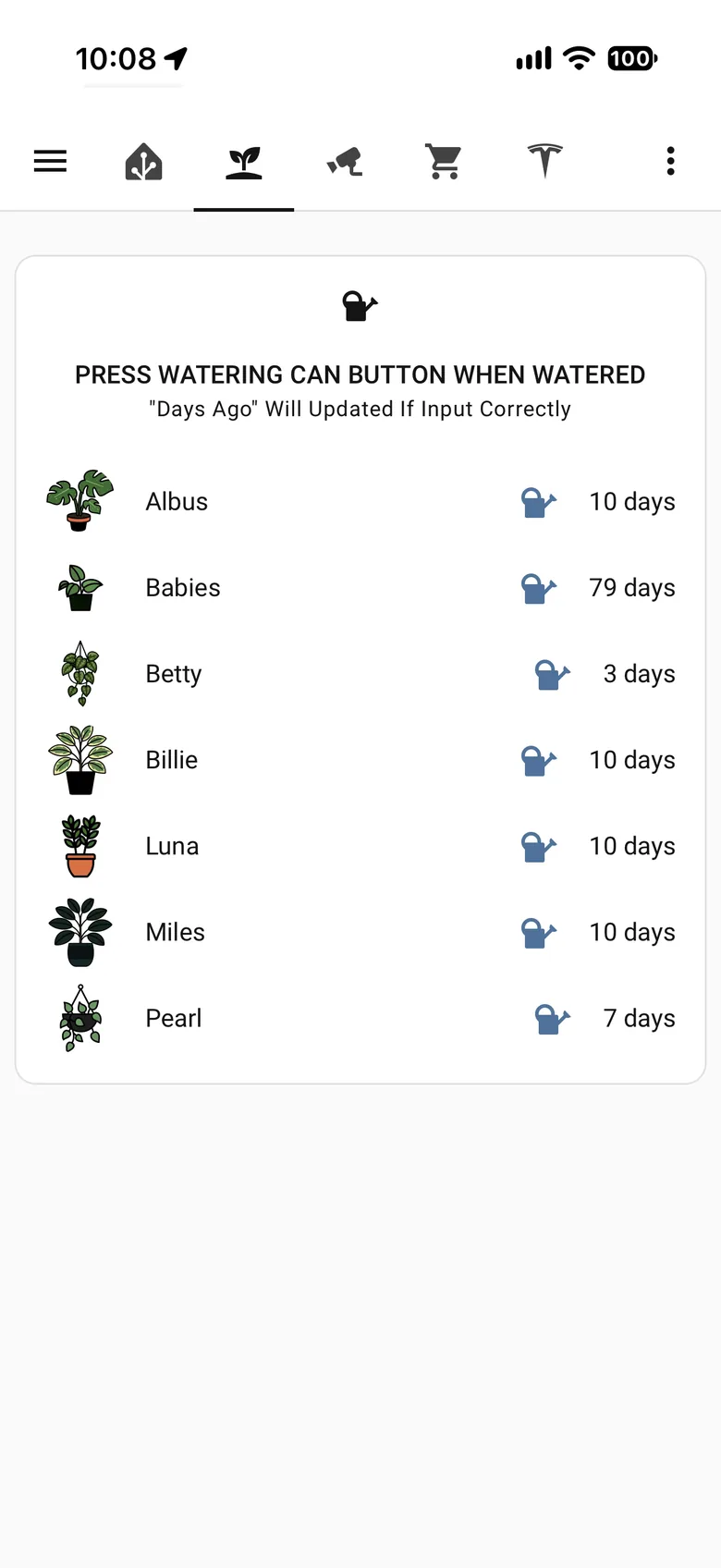
Dashboard 2: Plant Care Tracker
Spent more time than necessary creating custom plant illustrations that match the actual houseplants. Tap the watering can after watering one and its day counter resets.
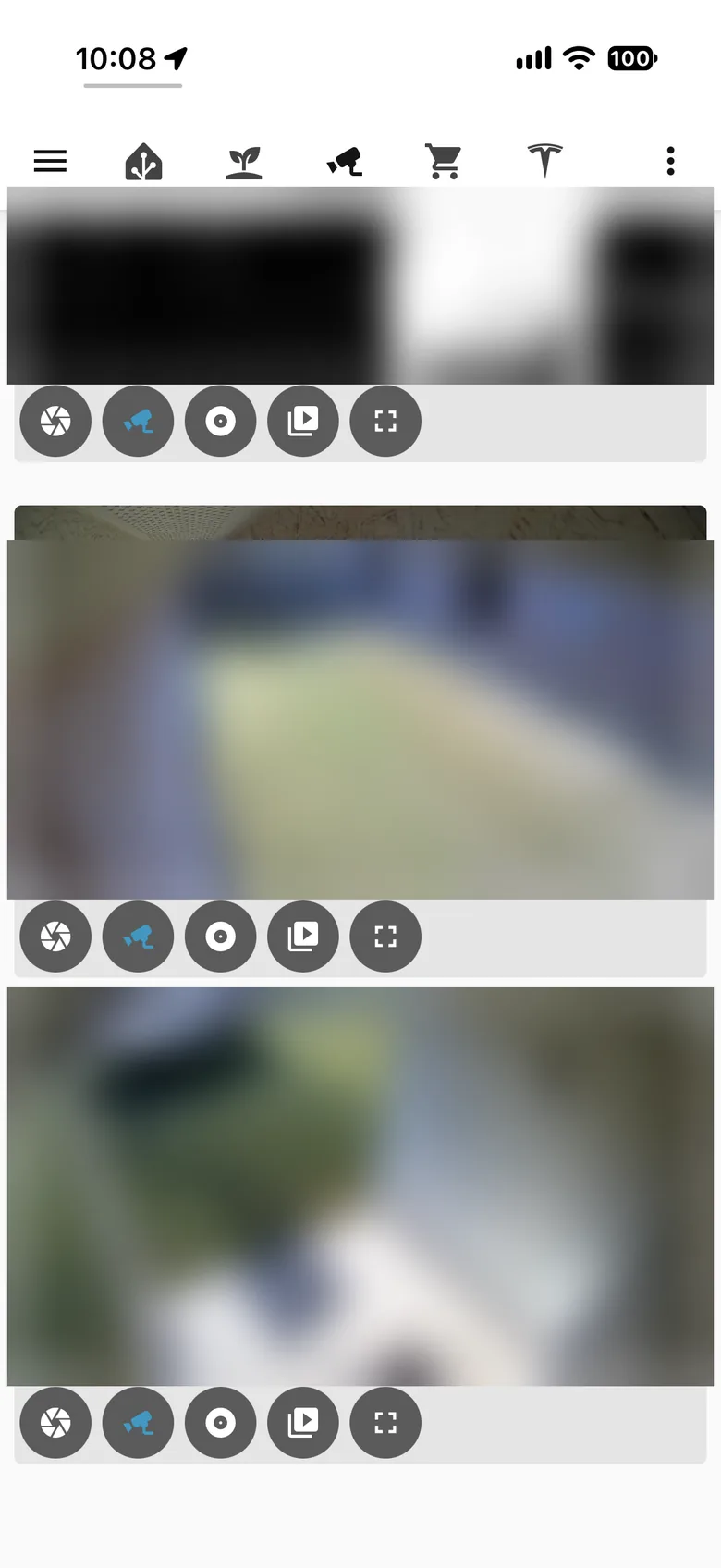
Dashboard 3: Security Camera Grid
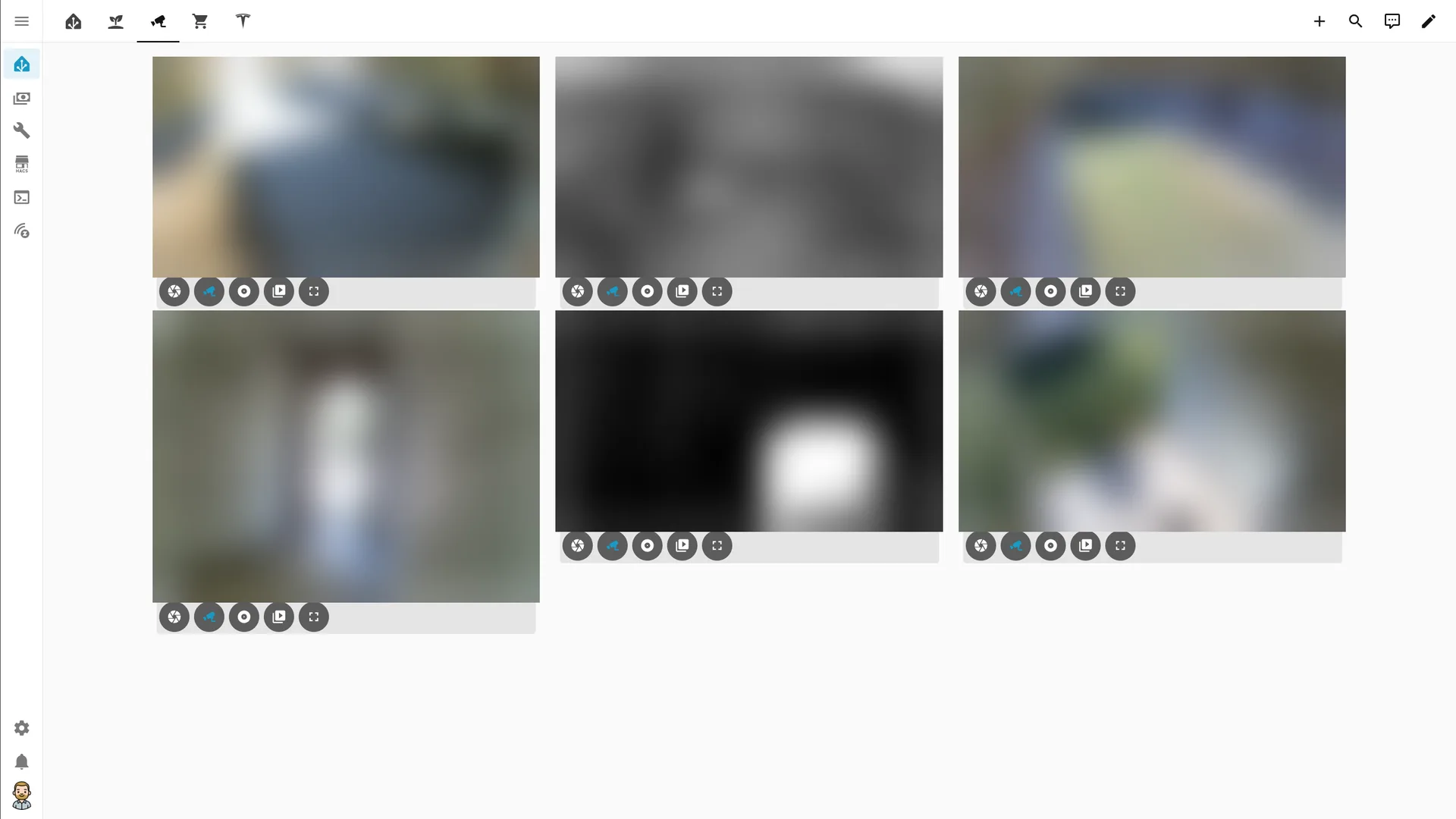
Current Setup: Six cameras, all recording to Frigate NVR on TrueNAS:
- WiFi: Amcrest ASH21 (Office) - 24/7 live view with person detection and pan/tilt
- PoE: Amcrest IP8M-2779EW-AI cameras (4x) - 4K 8MP with AI person/vehicle detection
- Doorbell: Reolink Video Doorbell PoE - 5MP 2K+ with smart detection and chime
Frigate NVR
Frigate runs on TrueNAS and keeps every clip local, so there's no cloud account and no subscription. It replaced our Google Nest cameras and the monthly Nest Aware bill.
The feeds below are blurred on purpose. The grid shows six live views with snapshot, recording, and full-screen controls under each.
Dashboard 4: Financial Overview
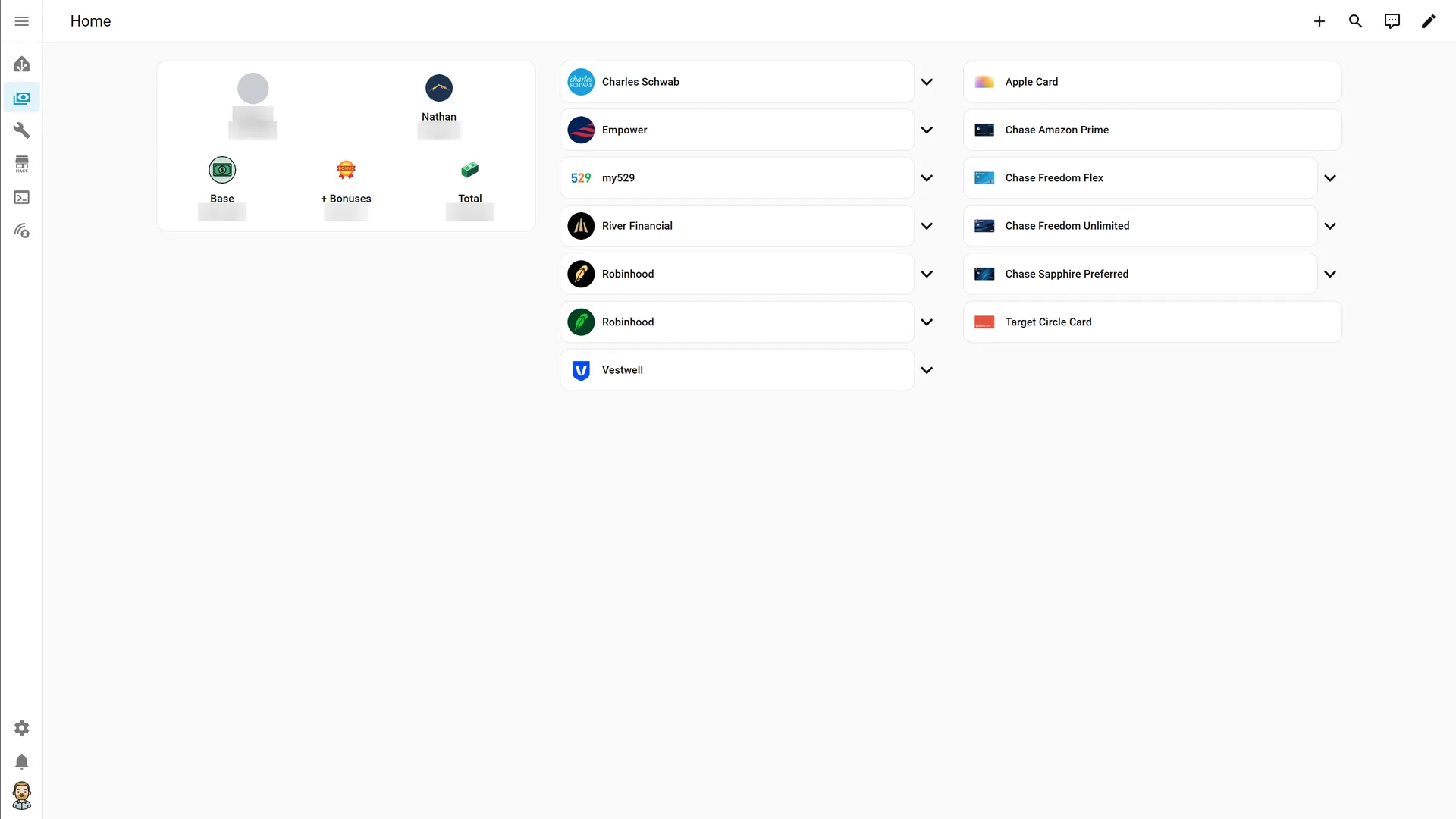
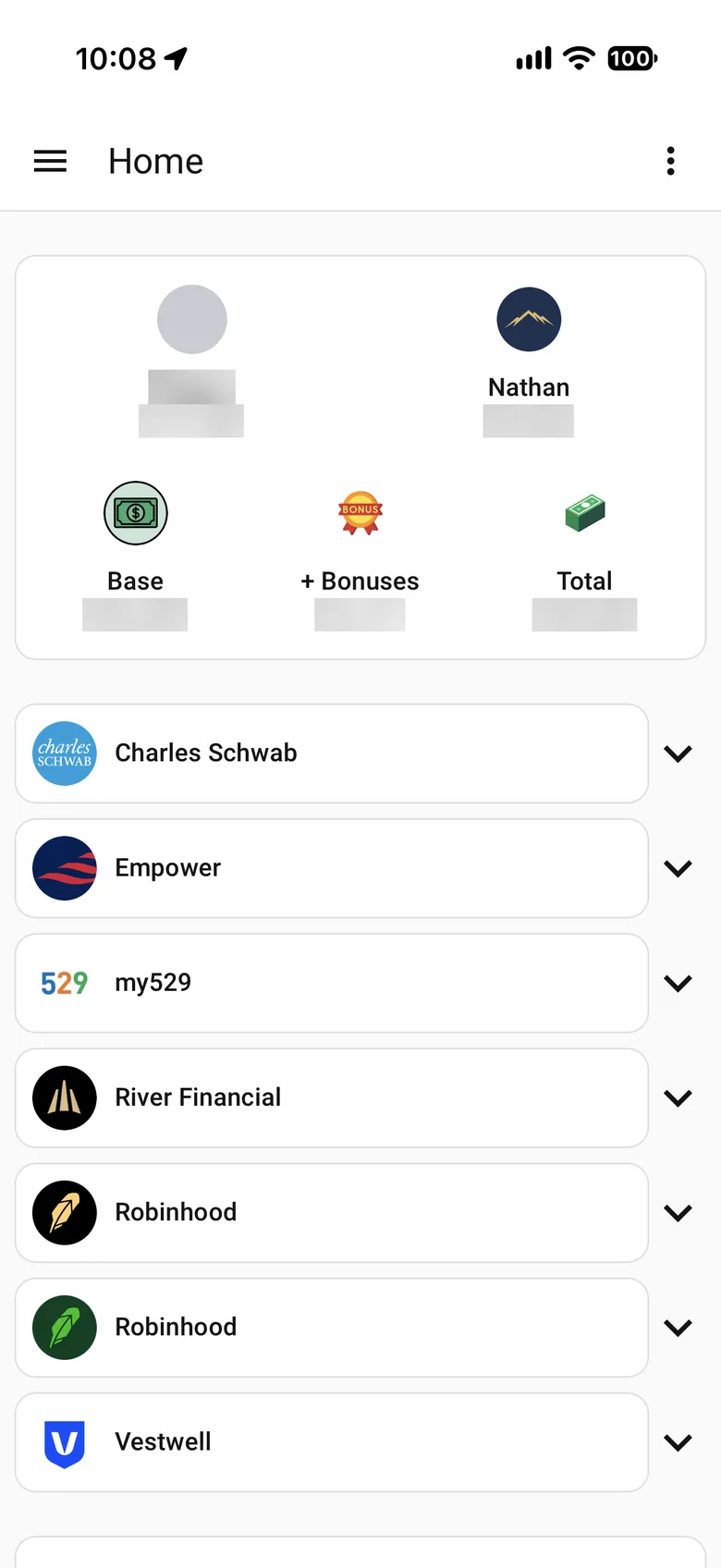
The Most Difficult Build: This dashboard took the longest to create. Previously, family financial information was stored in shared Notion notes (account locations, contribution schedules, bills, credit card strategies to maximize points, income info, etc.). I wanted all of it in Home Assistant so we no longer depended on Notion.
Technical Challenge: Nested lists with collapsible fields (using fold-entity-row cards from HACS) required extensive trial and error. Custom icons for every institution and bill? "Absolutely not" necessary.
Data Integration: Most account values automatically feed from two Excel files using VBA. "Run rate tracking" automation compares % of budget spent vs. % of month passed (automatically updates based on actual month and each day).
Dollar figures are blurred in these screenshots.
Retired: The net worth Sankey, historical growth charts, and grocery budget bars used to live here too. That work moved to the Family Finance App.
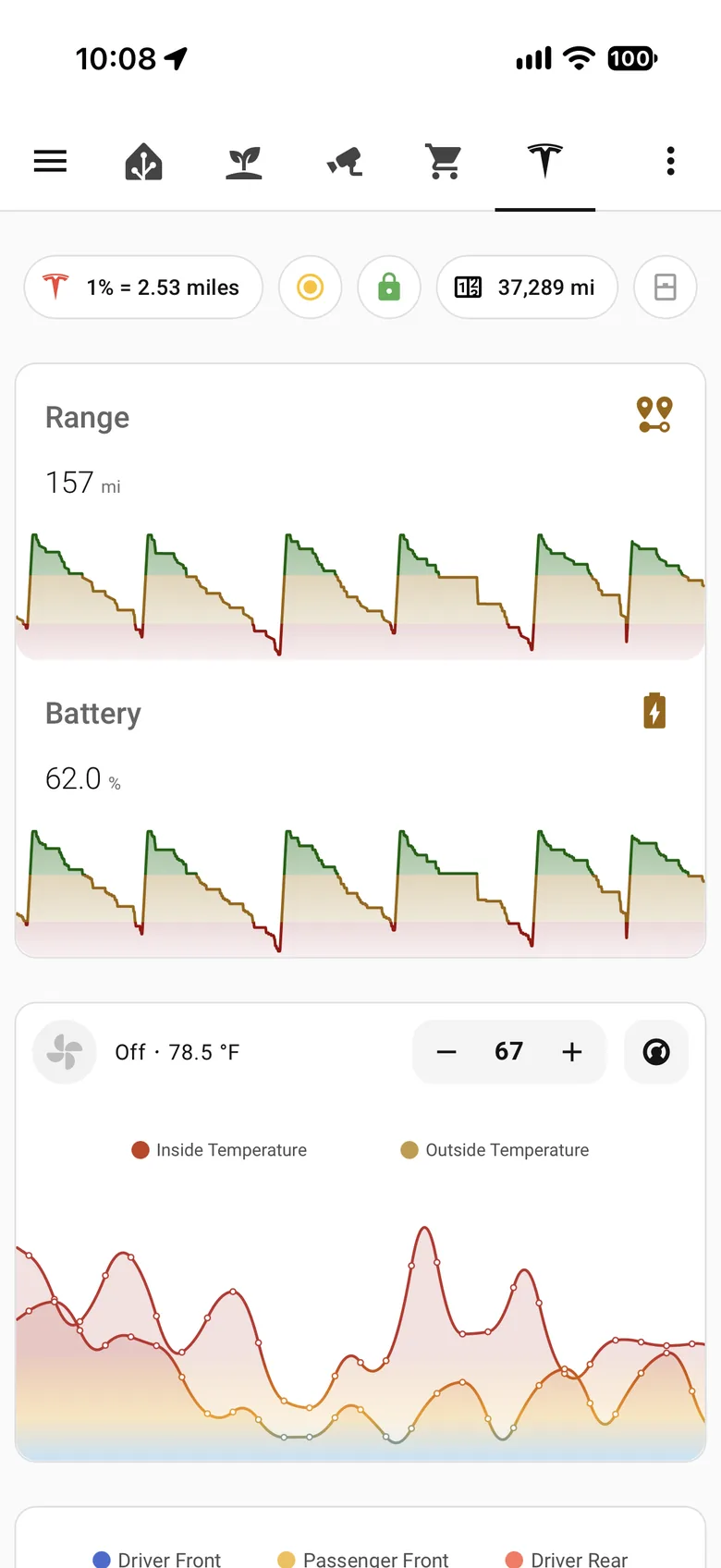
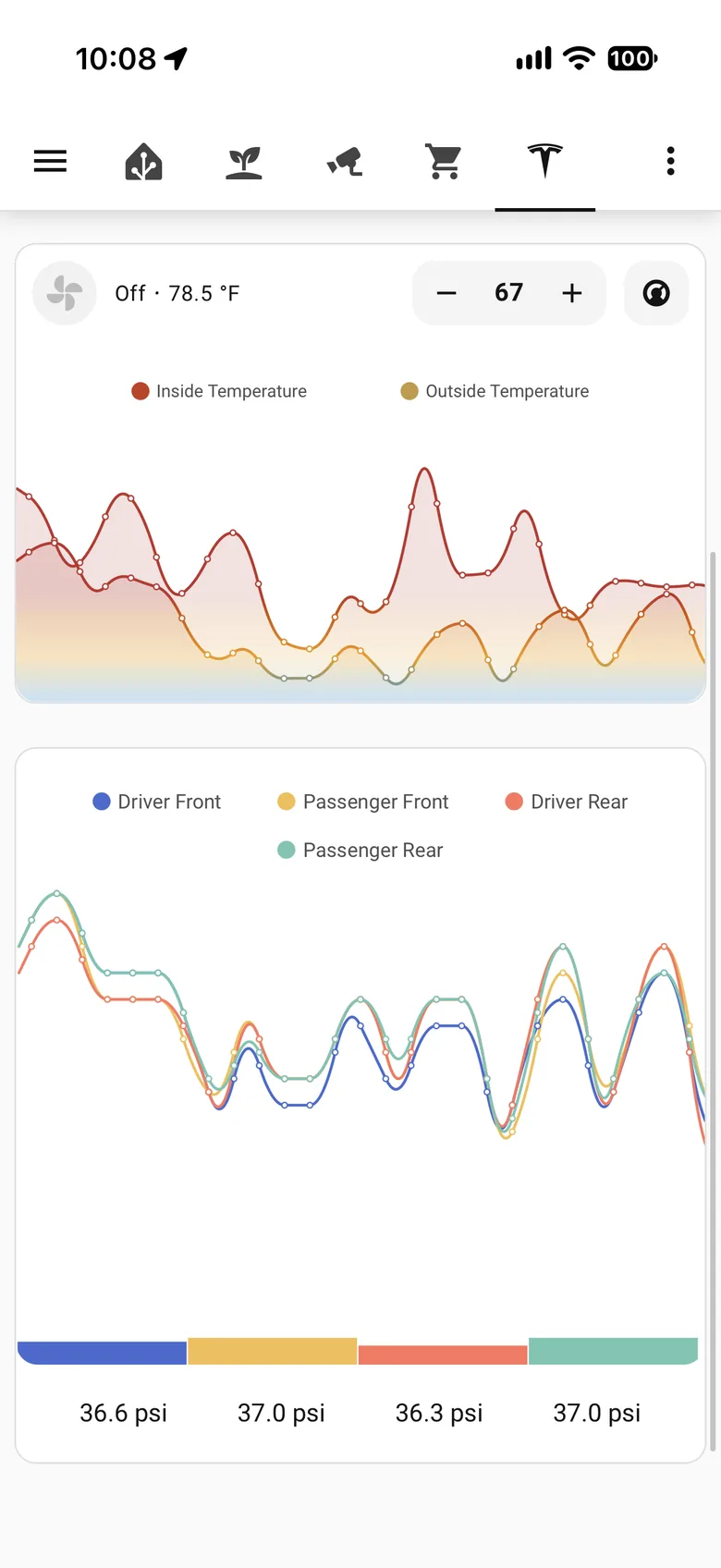
Dashboard 5: Tesla Vehicle Control
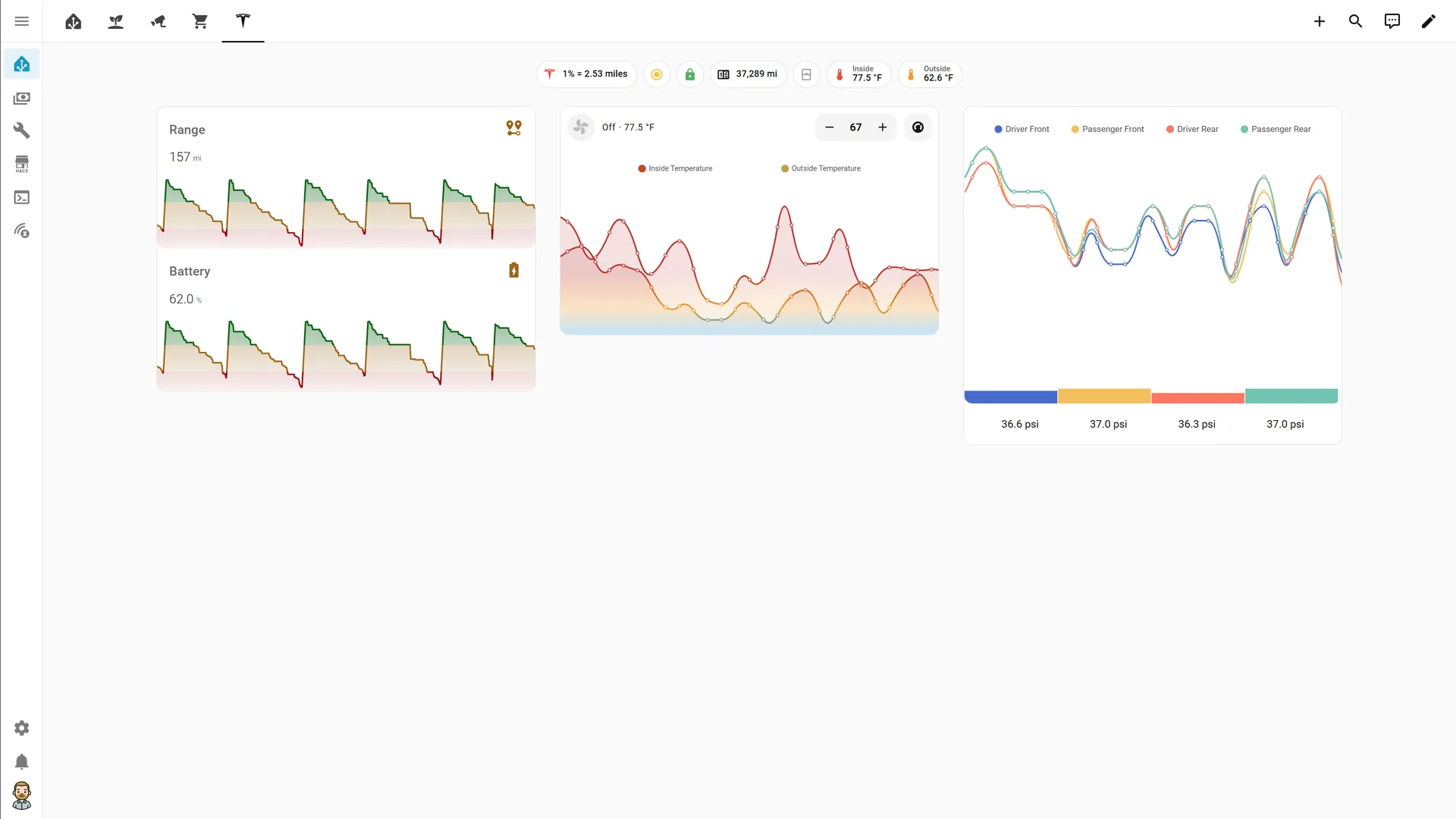
Practical Integration: This has become very useful with automations tied to vehicle states. Real-time battery percentage, range tracking with 7-day history, internal and external temperature, and tire pressure monitoring for all four tires. Helped identify a slow leak and find a hidden nail in a tire.
Data Quirk: Tire pressure readings report from when the car last went to sleep, not real-time.
Additional Features: Transit time estimates for regular drives, odometer tracking, lock/unlock status, Sentry mode on/off toggle. A climate automation cracks the windows when it's over 110°F inside and over 95°F outside.
Key Features
Smart Home Control
18+ TP-Link Kasa switches/plugs, Daikin thermostat with geofencing, Yale smart lock (Z-Wave), garage door, security cameras
Financial Tracking
Income, 12+ accounts, credit card categories, and recurring bills in nested lists
Bitcoin & Stocks
Live Bitcoin price via CoinGecko and Yahoo Finance
Tesla Integration
Battery monitoring, climate control, tire pressure, sentry mode, lock control via Tessie
Security System
Six cameras via Frigate NVR - 1 indoor WiFi, 4 outdoor PoE, 1 doorbell - all clips stored locally on TrueNAS
50+ Automations
Automated lighting, garage control, location notifications, schedules, climate control
NAS Monitoring
TrueNAS SCALE tracking CPU, RAM, storage, temperature, uptime - backups stored here
Plant Care
Seven plant watering schedules with button timestamps and day counters
3D Printer
Print status, nozzle and bed temperatures, and filament left on each spool
Sample Automations (50+ Total)
- Smart Arrival: Opens garage and turns on entry lights when family arrives home
- Night Routine: Turns off the lights and locks the front door
- Sunrise/Sunset: Controls outdoor lighting based on sun position
- Location Notifications: iOS push notifications for arrivals/departures
- Garage Safety: Closes the garage if it's been left open
- Bias Lighting: TV backlight (Govee) syncs with TV power state
- Tesla Climate: Cracks windows if interior >110°F and exterior >95°F
- Financial Snapshots: Records midnight Bitcoin and portfolio values
- Plant Care: Timestamps watering events for 11 plants
- Pet Feeding: Logs automatic feeder activations
- Room Groups: Button-triggered groups for Bedroom, Kid Room, Dining
- Book Club: Opens the garage for my wife's book club
Technical Stack
Custom Frontend Cards
Smart Home Devices & Integrations
Implementation Highlights
- Templating: Custom Jinja2 templates for dynamic styling and calculations
- Excel VBA Integration: Automated financial data feed from Excel to HA using VBA scripts
- Real-time Data: Live updates from 20+ APIs (CoinGecko, Yahoo Finance, Redfin, OpenWeatherMap, Trakt)
- Complex Visualizations: Sankey diagrams, ApexCharts, mini-graph cards with color-coded thresholds
- Custom Sensors: Template sensors for budget run-rate %, days since watered, Bitcoin cold wallet USD value
- Multiple-Entity-Row Discovery: Cleaned up entity display drastically for better mobile experience
- State-Based Visibility: Conditional card display (e.g., package cameras only show when deliveries present)
- HACS Custom Cards: Mushroom, Mini Graph, Bar, ApexCharts, Sankey, Waterfall History, Fold Entity Row
- Frigate NVR: Runs on TrueNAS with the iGPU (Quick Sync) passed through; all recordings stay local
- Z-Wave Integration: Yale lock control via Home Assistant Connect ZWA-2 dongle for plug-and-play setup
Related Projects
- Family Finance App: The self-hosted app we run our budget in.
- Bitaxe Miner: The Bitcoin miner it monitors.
- TrueNAS Server Build: The TrueNAS server that runs Frigate.